


Sapybase AI Chat
Integration Manual
Everything you need to build and launch your custom AI chatbot — from account setup to going live on your website.
Account Setup & Registration
First things first — create your account and tell us about your business.
- check_circleSign up using your email or Google account.
- check_circleChatbot ID — we automatically provision isolated storage so your data stays secure.
- check_circleAfter registration you'll be redirected to the dashboard.
- check_circleSubscribe — choose the plan that suits your needs.
- check_circleBusiness profile — give your bot a company name and website URL.
Integrating the Chatbot
Adding the chatbot is as simple as copying and pasting a single snippet.
Plain HTML / Static Websites
Content Security Policy (CSP)
If your site sends a Content-Security-Policy header, you need to whitelist Sapybase so the widget can load and the chat iframe can connect to our servers.
Most static HTML sites do not set a CSP header and can skip this section. You only need this if you already have a Content-Security-Policy header.
Minimum required directives
Add these to your existing CSP — extend it, don't replace it:
Next.js — next.config.mjs
Nginx
Apache (.htaccess)
Why connect-src needs Sapybase
The loader and the AI backend are both served through www.sapybase.com. This domain must be whitelisted for the chat to function.
Customizing Look & Feel
Every change you make in the dashboard updates your website instantly — no redeploy needed.
Training the AI
- upload_fileUpload files — drop in PDFs, Word docs, or manuals. The AI reads every page.
- languageWebsite sync — paste your URL and the AI will crawl it to learn your latest content.
Managing Knowledge
Deleting a knowledge chunk means the AI will forget that specific piece of information permanently.
Screen Recording: Managing the Knowledge Base, reviewing chunks, and deleting outdated information.
Managing Multiple Bots Pro
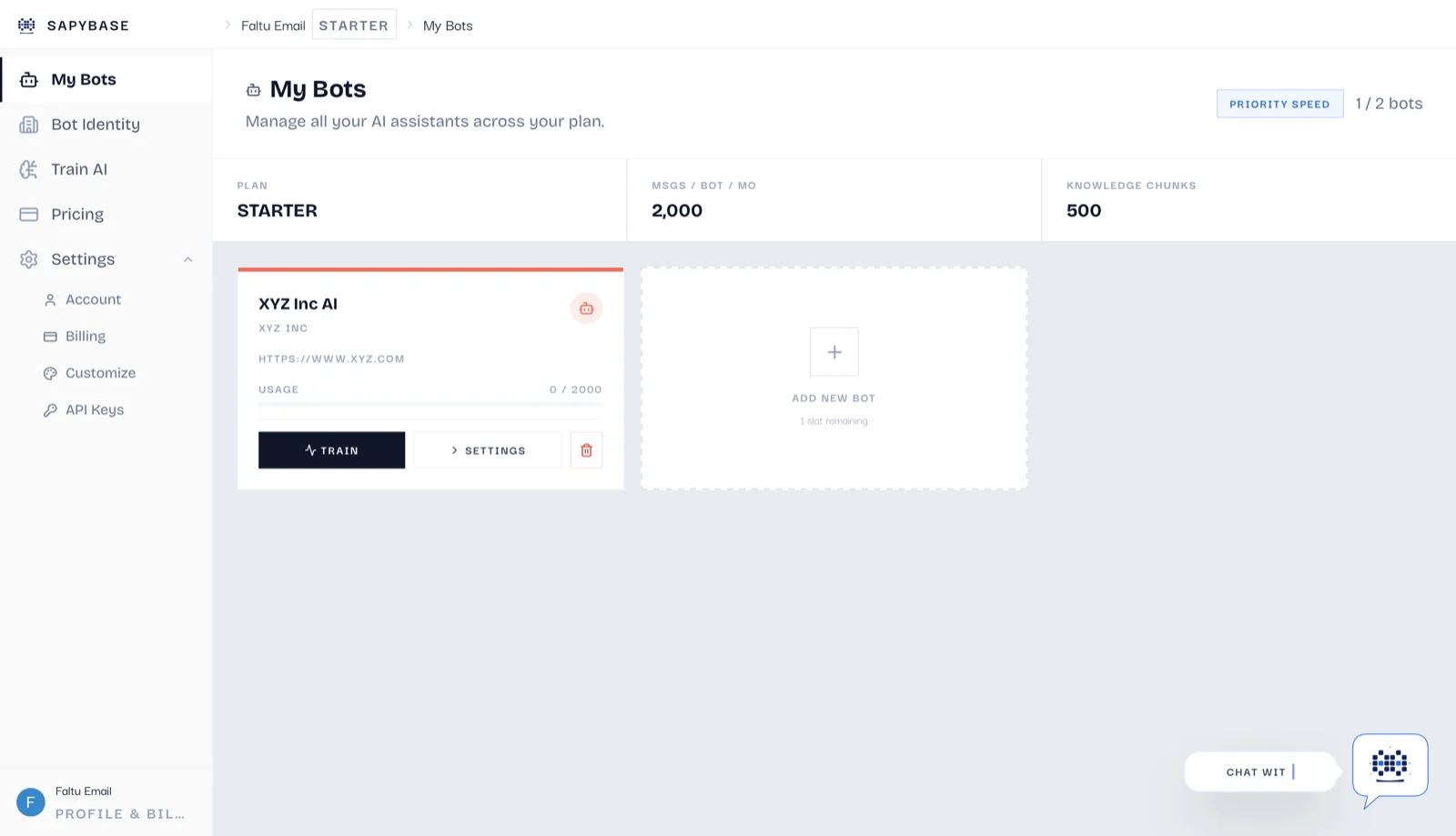
Our Pro plan lets you create and switch between entirely separate bots from a single dashboard.
Need a hand getting started?
If you get stuck or just want someone to walk you through it, our team is always just a message away.
mailMessage SupportReady to automate your customer support?
Set up your AI chatbot in minutes — no code required on most platforms.